
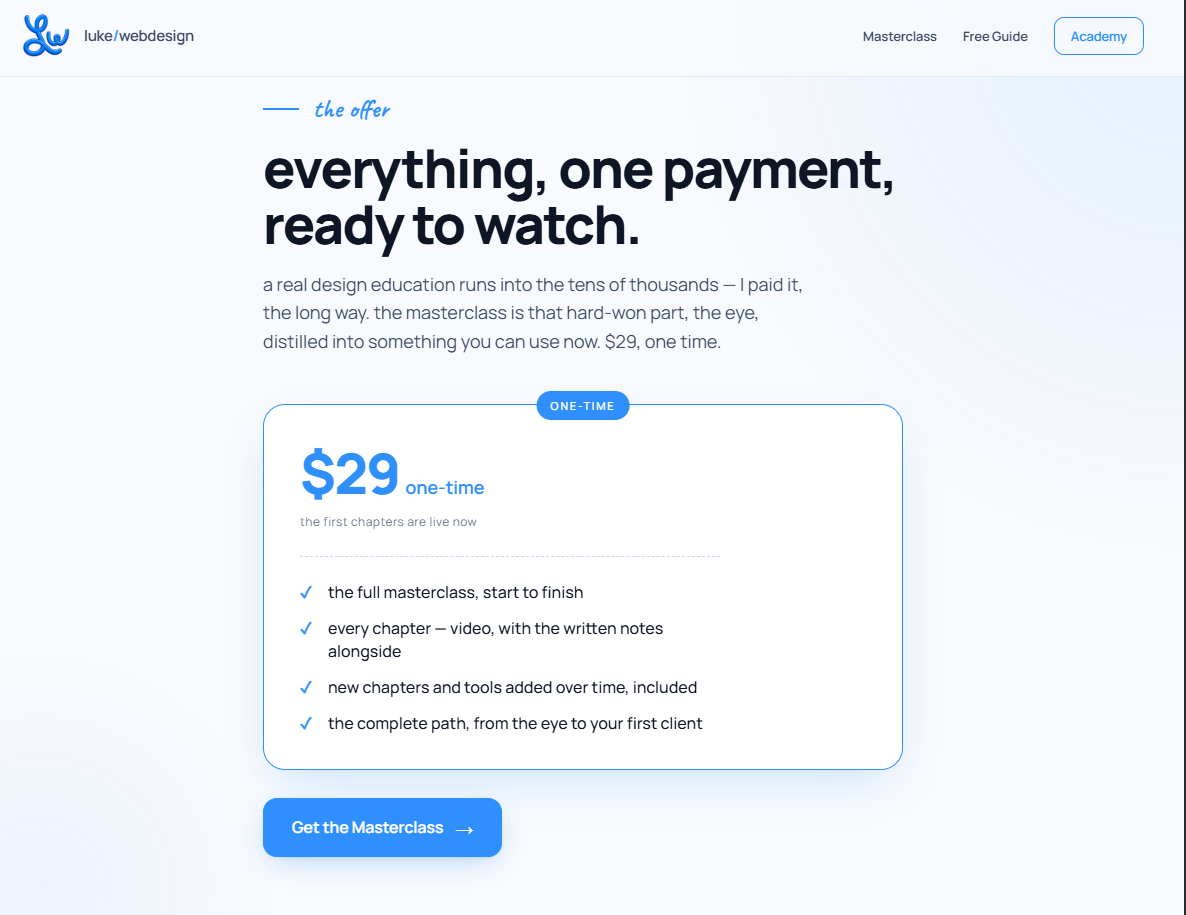

Description
Lukewebdesign – AI Web Design Guide
Introduction
The digital world is changing rapidly, and artificial intelligence is now playing a major role in how websites are planned, designed, written, optimized, and maintained. Lukewebdesign – AI Web Design Guide is built for creators, freelancers, business owners, marketers, agencies, and anyone who wants to understand how AI can improve the web design process without losing creativity, strategy, or human connection.
Modern websites need more than attractive colors and stylish layouts. They must load quickly, work perfectly on mobile devices, guide visitors toward clear actions, communicate trust, support search visibility, and represent a brand consistently. AI-powered tools can help with many of these tasks, but the best results come from using AI as a creative assistant rather than treating it as a complete replacement for professional thinking.
This guide explores how artificial intelligence can support every stage of website creation, from early planning and content strategy to layout generation, user experience, SEO, conversion optimization, testing, and long-term updates.
What Is AI Web Design?
AI web design is the use of artificial intelligence tools to assist with website creation and improvement. These tools can generate content, suggest layouts, create visual assets, write code, analyze user behavior, improve accessibility, and automate repetitive design tasks.
Instead of starting every project from a blank screen, designers can use AI to speed up research, brainstorm ideas, build first drafts, and identify possible improvements. This does not mean every website should look automated or generic. In fact, the strongest websites use AI to save time on routine work so designers can focus more deeply on branding, messaging, usability, and customer experience.
AI can support web design in several important areas:
- Website planning and structure
- Content generation and editing
- Visual design inspiration
- Wireframes and page layouts
- User experience improvements
- Search engine optimization
- Accessibility checks
- Code assistance
- Conversion rate optimization
- Customer support and chat features
- Analytics and performance tracking
Why AI Matters in Modern Web Design
Businesses are under pressure to launch websites faster while still delivering a polished and professional experience. Traditional web design can involve many time-consuming stages, including research, copywriting, image selection, page planning, coding, testing, and revisions.
AI helps reduce the time spent on repetitive tasks. It can produce initial content drafts, organize information, suggest design directions, create image prompts, summarize research, and identify website issues. This allows designers and business owners to move from idea to execution more efficiently.
However, speed is only one advantage. AI can also help create more personalized experiences. For example, a website may use AI-driven recommendations to show relevant products, content, or services based on visitor behavior. It can also help businesses understand where users leave a page, which messages perform best, and which calls to action need improvement.
The goal is not simply to make websites faster. The goal is to make websites smarter, clearer, more useful, and more aligned with the needs of real users.
AI for Website Planning and Strategy
A successful website begins with a strong strategy. Before choosing fonts, colors, or images, it is important to understand the target audience, business goals, customer questions, competitors, and desired user actions.
AI can help organize this early stage by generating audience profiles, customer journey ideas, content categories, website page structures, and messaging angles. For example, a business owner can use AI to brainstorm the most important pages for a service website, such as Home, About, Services, Portfolio, Testimonials, Blog, Contact, and FAQ pages.
It can also help identify common customer concerns. A fitness coach may need to answer questions about pricing, online sessions, nutrition guidance, and results. A web designer may need to explain project timelines, design process, website platforms, maintenance, and SEO support. When these questions are addressed clearly on a website, visitors are more likely to trust the business.
AI can also assist with creating a sitemap. A sitemap is the structure of a website and shows how pages connect with each other. A clear sitemap improves navigation, search engine understanding, and user experience.
Creating Better Website Content With AI
Content is one of the most important parts of any website. Visitors need clear answers quickly. They want to know what a business offers, who it helps, why it is different, and what action they should take next.
AI can help create first drafts for website headlines, service descriptions, product details, blog posts, FAQs, email sign-up sections, calls to action, and landing page copy. It can also rewrite content in different tones, such as professional, friendly, premium, direct, educational, or conversational.
The key is to avoid publishing raw AI-generated content without review. Good website content should reflect the actual voice, experience, and values of the business. AI may produce a useful draft, but the final version should include real details, specific benefits, customer insights, and brand personality.
For example, instead of writing a generic sentence such as “We provide high-quality web design services,” a stronger version could explain the result:
“Custom websites designed to help service businesses build trust, attract qualified leads, and turn more visitors into customers.”
This type of copy is clearer because it focuses on outcomes rather than vague claims.
AI-Powered Layouts and Wireframes
A wireframe is a basic visual plan for a webpage. It shows where important elements will appear, including headlines, images, buttons, testimonials, forms, and content sections.
AI tools can generate layout suggestions based on a business type, page goal, or target audience. For example, a landing page for a digital course may include:
- A strong headline
- A short explanation of the course benefit
- A call-to-action button
- Social proof or testimonials
- Course modules
- Instructor information
- Pricing details
- Frequently asked questions
- Final call to action
These layout suggestions can save time, especially when creating early concepts. But every website should still be reviewed carefully for usability. A layout should support the visitor’s journey instead of simply adding more sections.
The best web pages are not necessarily the longest. They are the pages that make it easy for users to understand the offer and take the next step.
Improving User Experience With Artificial Intelligence
User experience, often called UX, is the overall feeling a visitor has while using a website. It includes navigation, readability, page speed, mobile usability, clarity, accessibility, and trust.
AI can help identify UX issues by analyzing behavior patterns. For example, it may reveal that visitors are leaving a page before reaching the contact form. This could mean the page is too long, the offer is unclear, the form is difficult to use, or the call to action is not visible enough.
AI can also help with:
- Improving menu structure
- Simplifying complex content
- Creating better FAQs
- Suggesting clearer button text
- Detecting broken links
- Checking readability
- Identifying confusing user flows
- Recommending mobile improvements
- Improving form completion rates
A website should always be designed for people first. AI data can provide useful insights, but designers should also consider emotion, trust, context, and user expectations.
AI and Responsive Web Design
A responsive website adjusts smoothly across desktops, tablets, and mobile devices. This is essential because many visitors browse websites from smartphones.
AI can assist designers by checking layouts across different screen sizes and identifying elements that may be difficult to use on smaller devices. Common mobile issues include text that is too small, buttons placed too close together, images that load slowly, forms that are difficult to complete, and menus that are confusing.
A mobile-friendly website should have:
- Easy-to-read text
- Clear navigation
- Fast loading pages
- Large tap-friendly buttons
- Simple contact forms
- Optimized images
- Strong calls to action
- Minimal distractions
When AI is used to create website sections, it is important to test the final design on real devices. A page that looks good on a desktop screen may not perform well on a mobile phone.
SEO Benefits of AI Web Design
Search engine optimization helps websites appear in search results when people look for relevant products, services, or information. AI can support SEO by helping with keyword research, content planning, title ideas, meta descriptions, internal linking suggestions, FAQ generation, and content gap analysis.
SEO should not be treated as a process of adding keywords everywhere. Search engines prioritize useful, relevant, well-organized content that answers real questions. AI can help identify topics people search for, but the content must still be accurate, original, and valuable.
A strong SEO-focused website includes:
- Clear page titles
- Helpful headings
- Relevant keywords used naturally
- Fast loading speed
- Mobile-friendly design
- Useful internal links
- Optimized images
- Clear URL structure
- Helpful FAQs
- Original content with real expertise
The most effective SEO strategy combines AI research with human insight. Businesses that understand their audience can create content that is more useful than generic articles generated at scale.
AI for Visual Design and Branding
Visual design affects how visitors feel about a business. Colors, typography, spacing, photography, icons, and layout all contribute to credibility and brand recognition.
AI can help generate visual concepts, mood boards, image prompts, color palette ideas, icon suggestions, and style directions. It can be especially useful during the brainstorming stage, when a designer needs to explore multiple creative options quickly.
Still, branding should remain intentional. A business should not choose colors or visuals simply because an AI tool recommends them. Every visual decision should support the company’s personality and audience.
For example, a luxury brand may use elegant typography, generous spacing, subtle animations, and refined imagery. A playful children’s brand may use bright visuals, friendly illustrations, and bold shapes. A legal or financial website may require a more professional and trustworthy design approach.
AI can speed up visual exploration, but brand identity needs human judgment.
Accessibility and Inclusive Design
Accessibility means designing websites that can be used by as many people as possible, including visitors with disabilities. AI can help identify accessibility issues such as missing image descriptions, poor color contrast, unclear headings, inaccessible buttons, and difficult navigation.
An accessible website should include:
- Readable font sizes
- Clear heading structure
- High color contrast
- Descriptive image alt text
- Keyboard-friendly navigation
- Clear form labels
- Captions for videos
- Simple language where possible
Accessibility is not only a technical requirement. It improves usability for everyone. Clearer buttons, better contrast, organized content, and easy navigation make websites more useful for all visitors.
The Human Role in AI Web Design
AI can generate ideas quickly, but it does not fully understand a business in the same way a skilled designer, strategist, or business owner does. It may not understand local culture, customer emotions, industry-specific concerns, or the difference between a website that looks attractive and one that actually converts.
Human expertise is still essential for:
- Brand strategy
- Creative direction
- Customer empathy
- Business positioning
- Quality control
- Legal and ethical review
- Final design decisions
- Original storytelling
- Conversion strategy
The best approach is collaboration. AI handles repetitive work and rapid ideation, while humans guide the project with judgment, creativity, and real-world experience.
Final Thoughts
Lukewebdesign – AI Web Design Guide shows that artificial intelligence can become a powerful partner in the website creation process. It can help generate ideas, improve efficiency, support content creation, enhance SEO, analyze user behavior, and reduce repetitive tasks.
But a successful website still depends on clear strategy, strong branding, useful content, thoughtful user experience, and human creativity. AI should be used to strengthen the design process, not replace the purpose behind it.
When used correctly, AI gives designers and businesses more time to focus on what matters most: creating websites that build trust, solve problems, communicate value, and help visitors take meaningful action.


Reviews
There are no reviews yet.